 Menu
Menu

On this page
- Where can Drata’s SOC 2 evidence lose its date or owner?
- Onboarding and Ongoing Effort
- Which Drata collection paths need a human owner?
- What did Drata users say about manual work?
- What can the CPA retrieve from Drata’s Audit Portal?
- What do Drata reviews measure?
- How should you prove Drata fits before signing?
- What will Drata and the CPA cost separately?
- When do Drata’s evidence dates justify a shortlist?
Drata is a credible choice for a cloud-native team when its documented connectors cover the systems in audit scope and someone owns remediation. It is a weaker fit when the program depends on custom or on-premises systems, unusually granular permissions, or a promise of fixed commercial scope. Drata organizes evidence; it does not replace the CPA examination.
Compare with: Vanta for connector breadth, Secureframe for guided setup, or Iru when device enforcement belongs in the same platform.
Pros
- Connector-based evidence collection
- Nightly tests with manual reruns
- Scoped Audit Hub collaboration
- Shared framework mappings
Cons
- Custom and on-prem evidence stays manual
- Failed tests require buyer investigation
- Quote-only commercial scope
- Separate CPA examination
Drata is compliance-automation software, not an auditor. The buying mistake is to read an access-review period as a historical access snapshot, or a connected device as proof that the intended source won. The workflow descriptions below come from Drata’s dated documentation. The Drata software profile holds the product record, and the Drata pricing guide holds the procurement detail.
Where can Drata’s SOC 2 evidence lose its date or owner?
Drata documents several collection and review paths, but their dates and decision owners differ. For a SOC 2 buy, test a real access decision, a device with competing sources, and an auditor request together; a connector count cannot answer whether the resulting evidence covers the period your CPA needs.
| Evidence path | Documented behavior | Buyer and CPA check |
|---|---|---|
| User access review | Connected access data refreshes nightly. Only one review period can be active; its dates do not freeze access data, which reflects the day the review is performed. | Export access at the period start if the CPA needs a point-in-time record. Keep the data date, app owner decision, notes, and completed review export. |
| Device state | MDM data syncs nightly. When Agent and MDM report the same device, Agent data takes priority; otherwise Drata uses MDM data. | Trace a managed device to the intended person and compare both sources. Agree a dated manual path for contractor or BYOD exceptions. |
| Control test and remediation | The [dated Drata profile](/software/drata/) describes daily scheduled tests with manual reruns; Drata can flag a mapped result. | Break a safe source, retain the failed result and recovery history, then have an owner verify the underlying control. |
| Audit Portal request | The customer sets the audit period and auditor assignment. The auditor can use scoped requests, related controls, messages, and package downloads. | Have the intended CPA request one item, download the selected evidence, and check what happens after a late change. |
Sources: Drata's access-review guide, MDM guide, and Audit Portal guide, read September 25, 2026; the dated Drata record supplies test cadence. This maps documented behavior and required proofs, not results from our tenant or the CPA's acceptance.
Drata’s access-review guide gives the testable limit: if the selected period ends June 30 and the review happens July 5, the reviewer sees July 5 access. Drata recommends exporting a CSV at the period start when an auditor requires point-in-time data. A completed review documents decisions; it does not reconstruct earlier entitlements by itself.
Three selected historical interviews show why the dated record and the owner matter. A founder said cloud connections saved work but added, “I underestimated how much judgment and remediation we’d still have to do ourselves.” A DevOps engineer said finding the cloud resource behind a failed test could still be painful. An audit liaison said Audit Hub reduced evidence-request traffic when the auditor workflow worked properly. Use them to choose demo cases, not to infer today’s failure rate or a typical buyer result.
Onboarding and Ongoing Effort
Drata describes guided onboarding through self-service training, in-app technical support, and Compliance Advisors. Its public material does not establish that every proposal includes a dedicated implementation manager, data migration, or hands-on readiness work. Put those responsibilities in the statement of work: who connects systems, maps controls, imports policies, trains evidence owners, and resolves the first set of failed tests.
The dated Drata profile documents a daily scheduled testing window at 19:00 Pacific time, with manual reruns available. That is a defined operating cadence, not continuous telemetry. During the demo, ask the team to change a safe test setting, show the resulting status, identify the underlying resource, assign an owner, and show what happens after remediation. This makes the investigation burden visible before purchase.
An implementation plan should also identify the evidence that will stay outside the platform. Typical candidates are exception approvals, vendor assessments, physical or contractor-device evidence, and controls that cannot be queried through an API. Decide whether those items are uploaded, linked, or held in another system, and who checks them before the audit period closes.
Which Drata collection paths need a human owner?
Drata can collect from connected systems and record access decisions, while the buyer still owns missing data, approvals, and remediation. Test the actual identity provider, HR system, repository, cloud account, and endpoint fleet in scope. A failed permission or renamed employee should produce an identifiable item, owner, and retained history, not just a changed dashboard status.
The current access-review guide describes connected and manually added applications, named reviewers, approval or rejection with notes, and a completed-review export. Run a departed-user case and a manually added application. The application owner must decide whether access is justified, and someone must carry the rejection into the source system; Drata’s guide says the review workflow does not include access remediation.
For endpoints, Drata’s Multiple MDM Support guide, read September 25, 2026, says MDM devices sync nightly and Agent data takes priority when both sources report the same device. A company-managed device already in MDM can use that record if no Agent record overrides it. Compare the reported state, personnel match, and policy fields for one overlapping device before rollout; connecting both sources does not make their readings interchangeable. For a contractor or BYOD device outside that path, agree a dated manual artifact and review cadence with the CPA. Drata’s manual personnel-evidence guidance describes screenshot uploads; the upload does not certify the device state.
What did Drata users say about manual work?
SOC2Auditors.org historical interviews with then-current Drata users, published September 11, 2026. Twenty-two role-labeled accounts, selected rather than representative; individual collection dates were not retained. Scores are self-reported, not a SOC2Auditors.org rating, and we do not average them.
Seventeen of the 22 selected interviewees scored Drata 4 or higher. The five scores below 4 came from two users who needed finer permissions across a complex organization, two who reported false positives or integrations that stopped syncing, and one who found the new interface slower. The manual work they described falls into four situations, and each one suggests a demo case.
| Buyer context | Interview evidence | What to prove on your systems |
|---|---|---|
| Small team, first SOC 2, cloud-native stack | A founder said connecting AWS, GitHub, and Google Workspace saved “a ton of work” but underestimated the judgment and remediation left over. A first-time compliance manager said Drata “can make compliance look deceptively simple during a demo.” | Connect the sources in scope and list every control that still needs a person to decide, fix, or upload. |
| Engineers investigating failed tests | A DevOps engineer found locating the cloud resource behind a failed test painful; an IT director wanted clearer failure explanations. A healthcare security officer (3.5) lost confidence when an integration quietly stopped syncing, and a power user (2) said false positives created investigation work. | Break a safe source, then have the engineer who would own it find the resource from Drata's output alone. Check what alerts a stale sync. |
| Access reviews and policy approvals | A security analyst said Drata centralizes access data but does not decide who owns approval. A policy owner scored Policy Center 5 for approvals, version history, and acknowledgements. | Run a review with real application owners and a rejected user; show who carries the rejection into the source system. |
| Multi-entity or enterprise permissions | A company admin (3) needed more granular RBAC for a corporate group; an enterprise compliance manager (3.5) would push hardest on permissions and custom workflows. A user on the new interface (3) said familiar tasks took more clicks. | Model your entities and workspaces, then have each role attempt an action it should not be able to take. |
Same interview scope as the interview note. Each row describes named respondents, not a measured segment average. The full role-labeled interviews appear below.
Read all 22 historical, selected user interviews; this is not a representative sample
| Role | What they said | Self-reported score |
|---|---|---|
| Founder | Drata turned an intimidating SOC 2 project into an understandable checklist. Connecting AWS, GitHub and Google Workspace saved us a ton of work. I underestimated how much judgment and remediation we'd still have to do ourselves. | 4.5 |
| Startup COO | Policy templates, employee acknowledgements and evidence collection are excellent for a small team without a dedicated GRC person. Expensive, but cheaper than hiring another person. | 4.5 |
| Security Lead | The continuous monitoring is the killer feature. Instead of discovering problems three weeks before an audit, we see them throughout the year. Some tests produce noise that has to be investigated manually. | 4.5 |
| DevOps Engineer | When an integration works properly, it's great. When a test fails, figuring out exactly which cloud resource Drata is complaining about can still be more painful than it should be. | 4 |
| Compliance Manager | Control mapping across frameworks is probably Drata's biggest advantage. You don't want separate evidence sets for SOC 2, ISO and every customer requirement. | 5 |
| Fintech GRC Manager | Very strong for evidence, policies and audit preparation. Risk management is decent. Once you start building a genuinely sophisticated enterprise GRC program, you'll encounter areas where you want more configurability. | 4 |
| Healthcare Security Officer | HIPAA/SOC 2 workflows are much easier to keep organized. Reliability of integrations matters enormously though; when one quietly stops syncing, confidence in the dashboard drops fast. | 3.5 |
| IT Director | Automated user/device evidence is massively better than screenshots and spreadsheets. I'd like clearer explanations when tests fail instead of having to decipher technical output. | 4 |
| First-time Compliance Manager | Good product, but Drata can make compliance look deceptively simple during a demo. Someone still has to understand scope, customize policies, assess risks and fix the underlying security issues. | 4 |
| GRC Practitioner | Drata is a good system of record and automation layer. I don't let it make compliance decisions for me. The platform accelerates judgment; it doesn't replace judgment. | 4.5 |
| Enterprise Compliance Manager | The newer architecture is better suited to multiple frameworks and workspaces, but enterprise permissions, organizational complexity and custom workflows are where I'd push Drata hardest. | 3.5 |
| Company Admin | Great concept, but RBAC and separation of responsibilities need to be exceptionally granular for our environment. This is much easier in a single-company SaaS setup than a complicated corporate group. | 3 |
| Policy Owner | Policy Center is one of the best parts of the platform: templates, approvals, version history and acknowledgements mean we aren't chasing Word documents around anymore. | 5 |
| Security Analyst | Centralizing access data is useful, but Drata doesn't remove the organizational problem of deciding who owns approval. We still have to coordinate managers and application owners. | 4 |
| Audit Liaison | Audit Hub dramatically reduces the Dropbox/email/evidence-request chaos. When auditor workflows behave properly it's one of the main reasons I'd renew. | 4.5 |
| GRC Consultant | Easy to teach clients and far better than spreadsheets. But I repeatedly have to explain that a green Drata dashboard doesn't automatically mean the control is well designed or the organization is secure. | 4 |
| Sales/Security Lead | Trust Center is genuinely valuable. It lets prospects self-serve SOC reports, policies and security information instead of generating another Slack request every time sales gets a questionnaire. | 4.5 |
| TPRM Manager | Vendor management has improved, and I like seeing Drata expand beyond just SOC 2 automation. I'd still evaluate dedicated TPRM products if vendor risk were my primary job. | 4 |
| AI Compliance Lead | The new AI functions are becoming genuinely useful—questionnaire answers and control mapping can eliminate repetitive work. But we review every recommendation; I wouldn't treat AI output as authoritative compliance advice. | 4 |
| User on new UI | I can see what Drata is trying to do with a cleaner enterprise experience, but familiar workflows now take more clicks. I'd rather have speed than a prettier navigation system. | 3 |
| User who prefers new UI | Once I relearned where everything lived, the new structure made more sense, especially across several frameworks. The transition was the annoying part. | 4 |
| Power user | Too many false positives, intermittent integrations and workflow quirks for what we're paying. When automation creates investigation work rather than eliminating it, the value proposition starts falling apart. | 2 |
Same interview scope as the interview note.
What can the CPA retrieve from Drata’s Audit Portal?
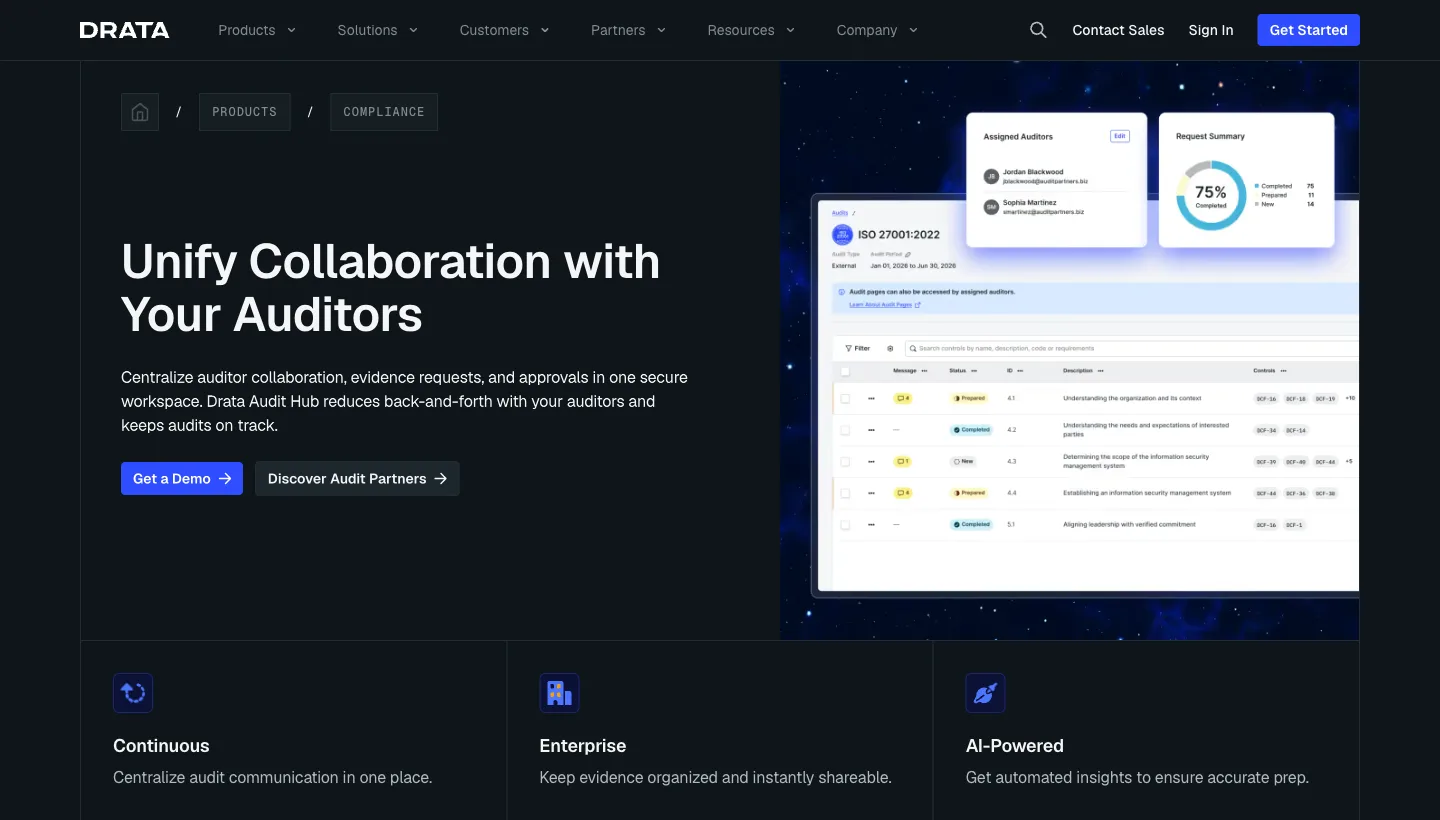
Drata’s Audit Portal gives the assigned CPA scoped audit data, requests, related controls, messages, and downloadable packages. Its auditor-view guide, read September 25, 2026, says the customer chooses the framework, audit period, and auditor assignment. Read-only access can broaden what the auditor sees without allowing edits. Test the precise access granted in the proposed tenant with the CPA who will perform the examination.
The responsibility line stays clear. Your company owns scope, control design, remediation, and the completeness of submissions. Drata supplies the workflow and evidence organization. The CPA decides its procedures, samples, follow-up requests, exceptions, and opinion. A software subscription does not include the independent examination unless a separate written agreement says otherwise. Our SOC 2 audit cost guide covers that parallel budget decision.
50 attestation-capable CPA firms in our directory list Drata among the platforms they work with. Use the Drata auditor listing to find a candidate, then ask that firm to inspect your proposed Audit Portal role and an actual evidence export. A directory listing does not establish a formal Drata partnership or that a firm has accepted a particular control record.
Ask an auditor to walk through one real request: choose an evidence item, request clarification, track the response, select a sample, and retrieve the final file. Also ask how the team handles evidence added after a package or sample is generated. The answer reveals whether the platform will reduce email and spreadsheet work in your actual audit process.
What do Drata reviews measure?
Drata’s public review aggregates describe self-selected product reviewers, not this site’s product rating or a measured failure rate. They are a separate population from the selected interviews above. The dated Drata profile captured G2 at 4.7 out of 5 from 1,393 reviews on September 11, 2026. Gartner Peer Insights displayed 4.1 out of 5 from 17 ratings when read September 25. The populations differ and should not be blended. On its Drata alternatives page, observed September 24, G2 listed Vanta, Sprinto, Scrut, Secureframe, and Scytale among the products buyers compared; that is G2’s comparison set, not our ranking. Glassdoor and Blind rate employment at Drata, not the buyer’s experience with this software.
Public accounts raise different purchase tests. On the Gartner page, read September 25, one reviewer praised usability while a June 2026 reviewer described more internal security, IT, policy, and engineering effort than expected. An August 2024 practitioner discussion contains reports of useful integrations alongside connector and multi-framework frustrations. A March 2025 r/soc2 thread asks about platform spend and how to choose an auditor. A December 2021 Hacker News discussion raises contractor-device consent and scope questions around the Agent. These are self-selected accounts, some old, and do not establish how often a problem occurs or what Drata currently does in every tenant.
Use customer references to test the specific concerns above. Ask a company with similar systems and framework scope where collection still needed manual work, how exceptions were handled, and whether the auditor could retrieve the requested evidence. A vendor comparison or employer review cannot answer those questions for your program.
How should you prove Drata fits before signing?
Prove Drata against your own access period, endpoint fleet, and auditor request before signing. Run these nine checks in a proposed tenant and file what each step produces—exports, mappings, failure history, and CPA feedback—so you can compare finalists without relying on memory of the walkthrough:
- Critical-system evidence: Connect one identity source, cloud account, repository, and HR source that your SOC 2 scope cannot replace. Keep the field-level evidence, collection date, control mapping, and list of missing fields.
- Failed source and recovery: Revoke a safe test permission or disconnect a nonproduction source. Keep the failed collection or false-fail record, named owner, repair, rerun, and history visible after recovery.
- Access-period date: Start a review with a period that ends before the review day. Compare the shown access with a dated CSV exported at the period start; keep both and have the intended CPA confirm which record its procedure needs.
- Departed user and manual application: Put a stale user and a manually added application into the review. Have the application owner record a decision and note, then show the ticket or source-system change that resolves rejected access. Keep the completed review export.
- Agent and MDM precedence: Use one company-managed device reported by both sources. Keep both source records, Drata’s chosen result, personnel match, and the control field the CPA will inspect. Repeat with an approved contractor or BYOD exception and its manual artifact.
- Framework reuse: Map one control used by SOC 2 and a second proposed framework. Keep the two requirements, shared evidence, framework-specific work, and any exception that does not carry over.
- CPA request and late change: Have the intended CPA use its actual Audit Portal role to request a sample, view related controls, message the team, and download the selected file. Add late evidence and keep proof of whether the existing package updates or must be rebuilt.
- Order form and services: Match every tested connector, custom test, User Access Review entitlement, framework, workspace, support level, and onboarding task to the proposed plan and order. Keep the renewal, implementation, and independent CPA fees separate.
- Exit and bulk export: Export controls, mappings, decisions, notes, policies, and evidence in the formats and quantities needed to leave Drata. Have the CPA inspect a sample outside the portal; keep the written export rights and assistance terms.
Do this before contract signature. A clean dashboard and a review-platform average cannot substitute for the dated artifacts.
What will Drata and the CPA cost separately?
Drata publishes Foundation, Advanced, and Enterprise plans but no public dollar rate card. As read September 25, 2026, User Access Review is an add-on to Foundation and Advanced and included in Enterprise; custom connections and tests start in Advanced. The signed order must identify those entitlements, any workspace or service additions, and renewal terms. The Drata pricing guide holds the dated third-party procurement range rather than making it a price promise here.
The subscription does not pay for the independent CPA examination. Your team owns control design, source repair, access decisions, and complete submissions. The CPA sets procedures and samples, evaluates exceptions, and issues the SOC 2 report. Ask for separate software, implementation, internal-owner, and CPA budgets; the SOC 2 audit cost guide covers the audit side.
When do Drata’s evidence dates justify a shortlist?
Shortlist Drata when its connected evidence, access-review date, and CPA handoff survive the nine proof steps on your own systems. The alternatives below change the buying model; the Drata alternatives guide covers a broader field.
| Buying situation | Shortlist direction | Reason |
|---|---|---|
| Connector coverage is the main uncertainty | Vanta alongside Drata | Compare the same in-scope systems and failed-source recovery in both tenants. |
| Guided setup and named implementation work matter more than connector count | Secureframe alongside Drata | Put each supplier's setup owner, support, manual evidence work, and CPA handoff in the order. |
| Device enforcement and compliance evidence may belong with one supplier | Iru alongside Drata | Compare Iru's native device-control path with Drata's Agent/MDM source selection and separate MDM costs. |
Compare Vanta vs Drata for connectors and auditor access, Drata vs Secureframe for guided setup or CMMC, Drata vs Sprinto for first-audit help, and Thoropass vs Drata for the affiliated-CPA path. See Drata alternatives for more options.
Leave the demonstration with dated evidence samples, the unresolved manual work, your CPA’s portal response, and an itemized order.
Drata buyer guides
Start with the product record, then compare the review, pricing, alternatives, pair guides, and auditor listings before you shortlist.
More in Compliance Tools